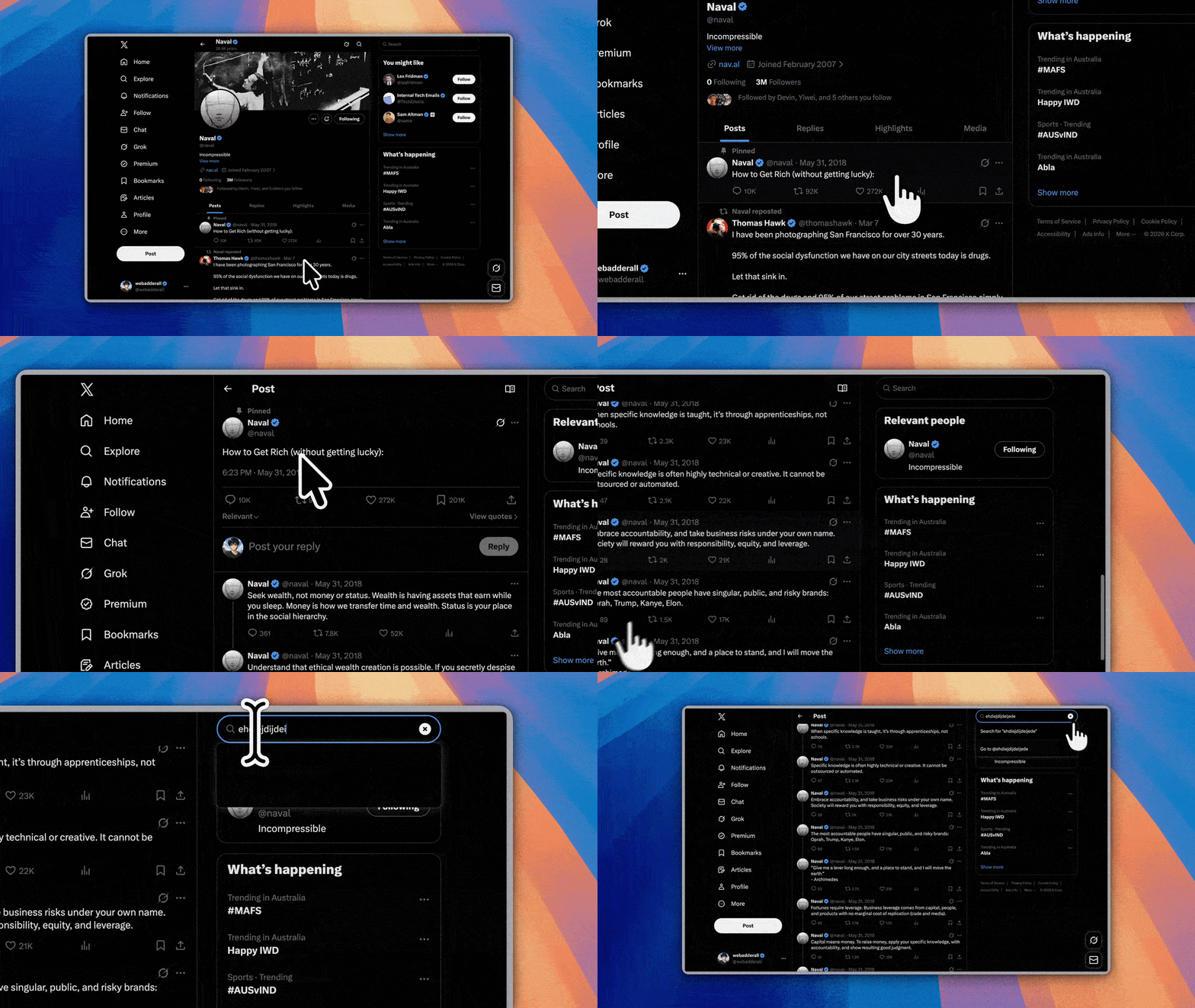
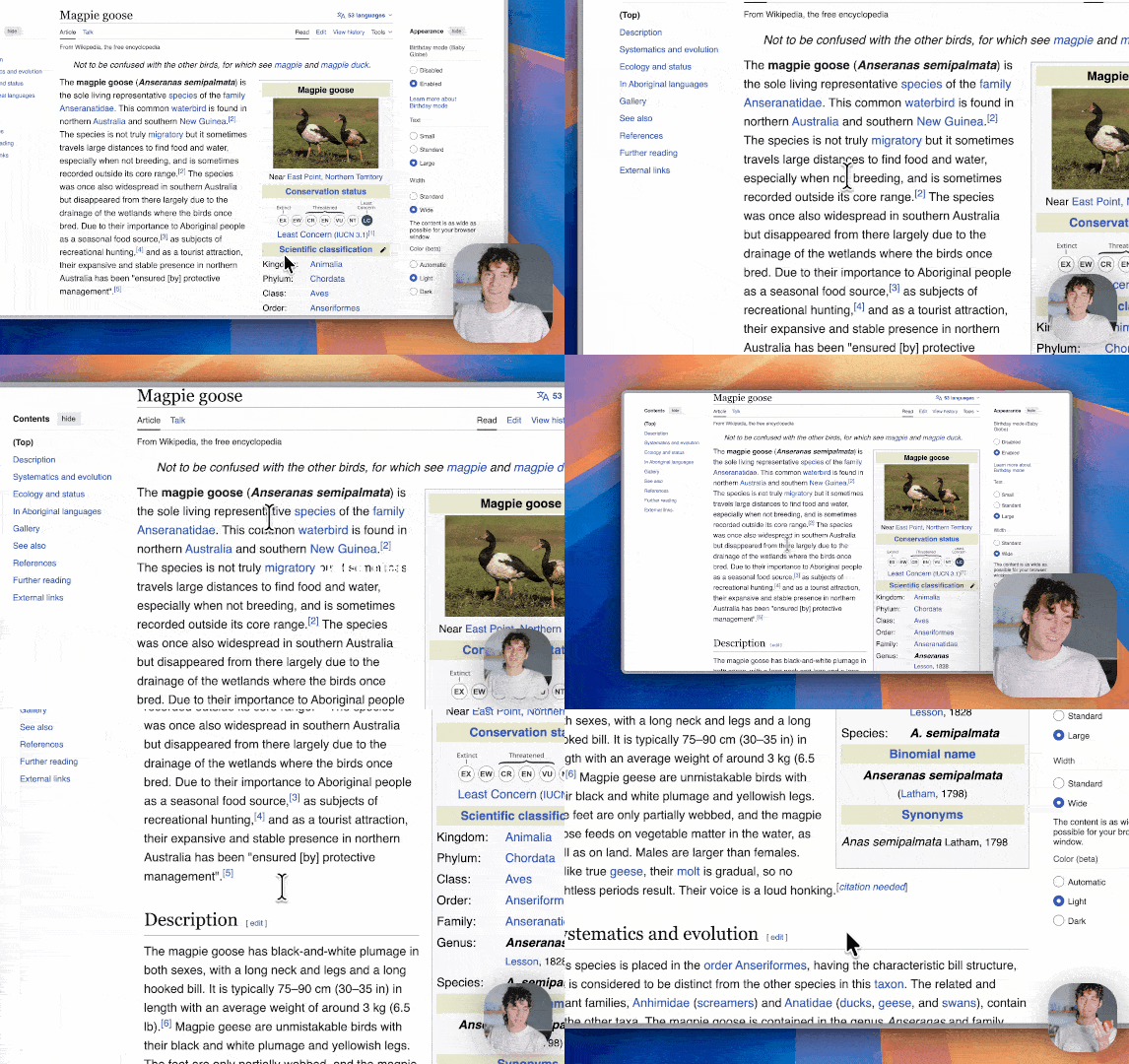
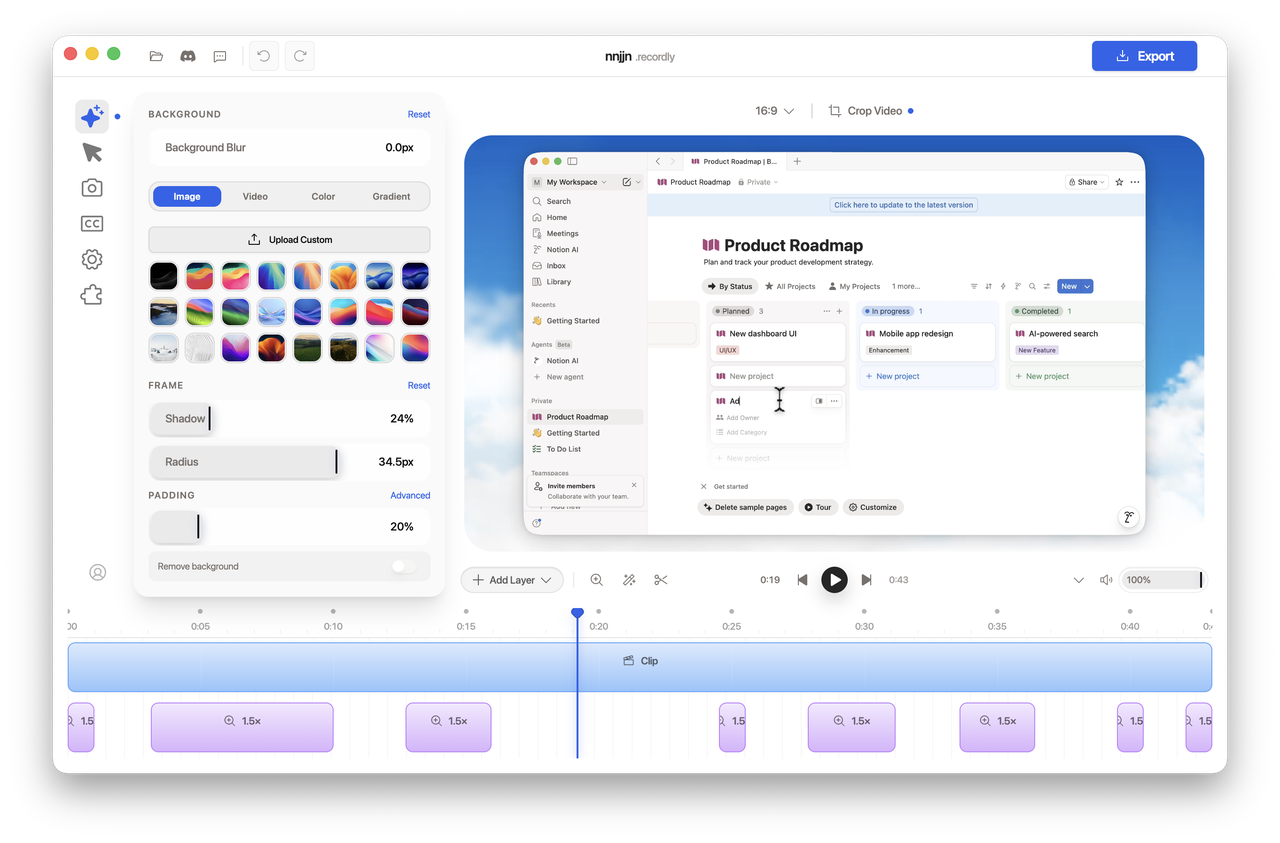
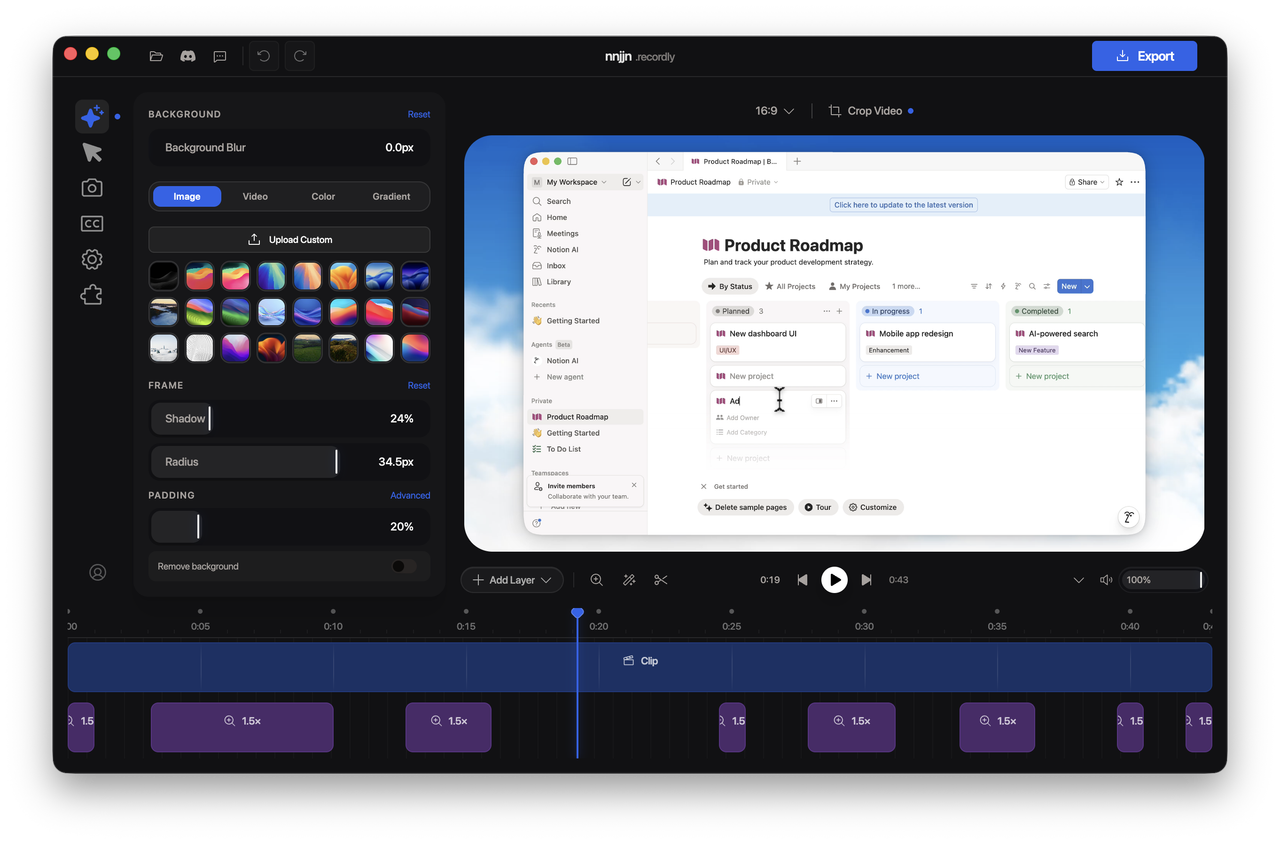
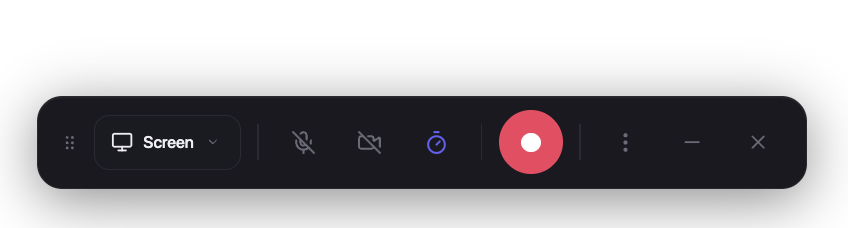
Recordly is a desktop app for recording and editing screen captures with motion-driven presentation tools built in. Instead of sending raw footage to a motion designer just to add zooms, cursor polish, or a styled background, Recordly handles that workflow in one place for free.
Windows uses a native Windows Graphics Capture (WGC) helper on supported builds, with native WASAPI audio support.
Linux records through Electron capture APIs. Cursor hiding is not supported on Linux today.
Core Features
Auto-zooms, cursor polish, and styled frames
Recordly can automatically emphasize activity with zoom suggestions, smooth cursor movement, add motion effects, and place the final composition inside a styled frame with wallpapers, colors, gradients, blur, padding, and shadows.
Dynamic webcam bubble overlays
Add webcam footage as an overlay bubble, position it with presets or custom coordinates, mirror it, control shadow and roundness, and optionally make it react to zoom so it stays visually balanced during motion.
Timeline editing built for demos
Use drag-and-drop timeline tools for zooms, trims, speed regions, annotations, extra audio regions, and crop-aware edits. Save and reopen work as .recordly project files.
Extensions & Marketplace
Recordly has a community-driven extension system. Anyone can build and publish extensions that add new capabilities to Recordly — cursor click sounds, device frames, browser mockups, wallpapers, render hooks, settings panels, and more.
PKGBUILD, desktop entry, release sync, and optional local-from-source packaging live in recordly-aur so this repository stays free of Arch release chores. For maintainer contact and how the package is updated, see that repo or the AUR package page.
Build from source
Prerequisites
macOS: Xcode Command Line Tools (xcode-select --install).
Required for ScreenCaptureKit audio and microphone capture.
Windows
Windows 10 20H1 (Build 19041, May 2020)
Required for the native Windows Graphics Capture (WGC) helper and best cursor-hiding behavior.
Linux
Any modern distro
Recording works through Electron capture. System audio generally requires PipeWire.
[!IMPORTANT]
On Windows builds older than 19041, recording can still work through fallback capture, but the real OS cursor may remain visible in recordings.
Usage
Record
Launch Recordly.
Select a screen or window.
Choose microphone and system-audio options.
Start recording.
Stop recording to open the editor.
Edit
Inside the editor you can:
add trims, zooms, speed regions, and annotations
tune cursor behavior and preview volume
style the frame with wallpapers, colors, gradients, blur, padding, and corners
add or adjust webcam overlay footage
add extra audio regions
crop the frame and choose an aspect ratio
Save your work anytime as a .recordly project.
Export
Export options include:
MP4 for standard video output
GIF for lightweight sharing and loops
You can adjust format-specific settings such as quality, GIF frame rate, GIF looping, and output size before export.
Limitations
Cursor capture
Recordly renders a polished cursor overlay on top of the recording. Platform cursor-hiding behavior still depends on OS support.
macOS
ScreenCaptureKit can exclude the real cursor cleanly.
Windows
Best results require Windows 10 Build 19041+ and the native capture helper.
Older builds fall back to Electron capture, so the real cursor may remain visible.
Linux
Electron desktop capture does not currently support cursor hiding.
If you also enable the rendered cursor overlay, exports may show both the real cursor and the styled cursor.
System audio
System audio support varies by platform.
Windows
Native WASAPI support
Linux
Usually requires PipeWire
macOS
Requires macOS 14.0+ and the ScreenCaptureKit-based workflow
How It Works
Recordly combines a platform-specific capture layer with a renderer-driven editor and export pipeline.
Capture
Electron coordinates recording and application flow
macOS uses native ScreenCaptureKit helpers
Windows uses a native Windows Graphics Capture (WGC) helper and native audio helpers where available
Editing
Timeline regions define zooms, trims, speed changes, audio overlays, and annotations
Cursor and webcam styling are applied in the editor state
Rendering
Scene composition is handled by PixiJS
Export
The same scene logic used in preview is rendered into exported MP4 or GIF output
Projects
.recordly files store the source media path plus editor state so work can be reopened later
Contribution
Contributions are welcome.
Areas where help is especially useful:
Linux capture and cursor behavior
Export performance and stability
UI and UX refinement
Localisation work
Additional editor tools and workflow polish
Please keep pull requests focused, test recording/edit/export flows, and avoid unrelated refactors.